Stop being the one who has to remember
Give that job to the app and spend your time on the work itself.
Sign up to get early access Terms of Service and Privacy Policy.
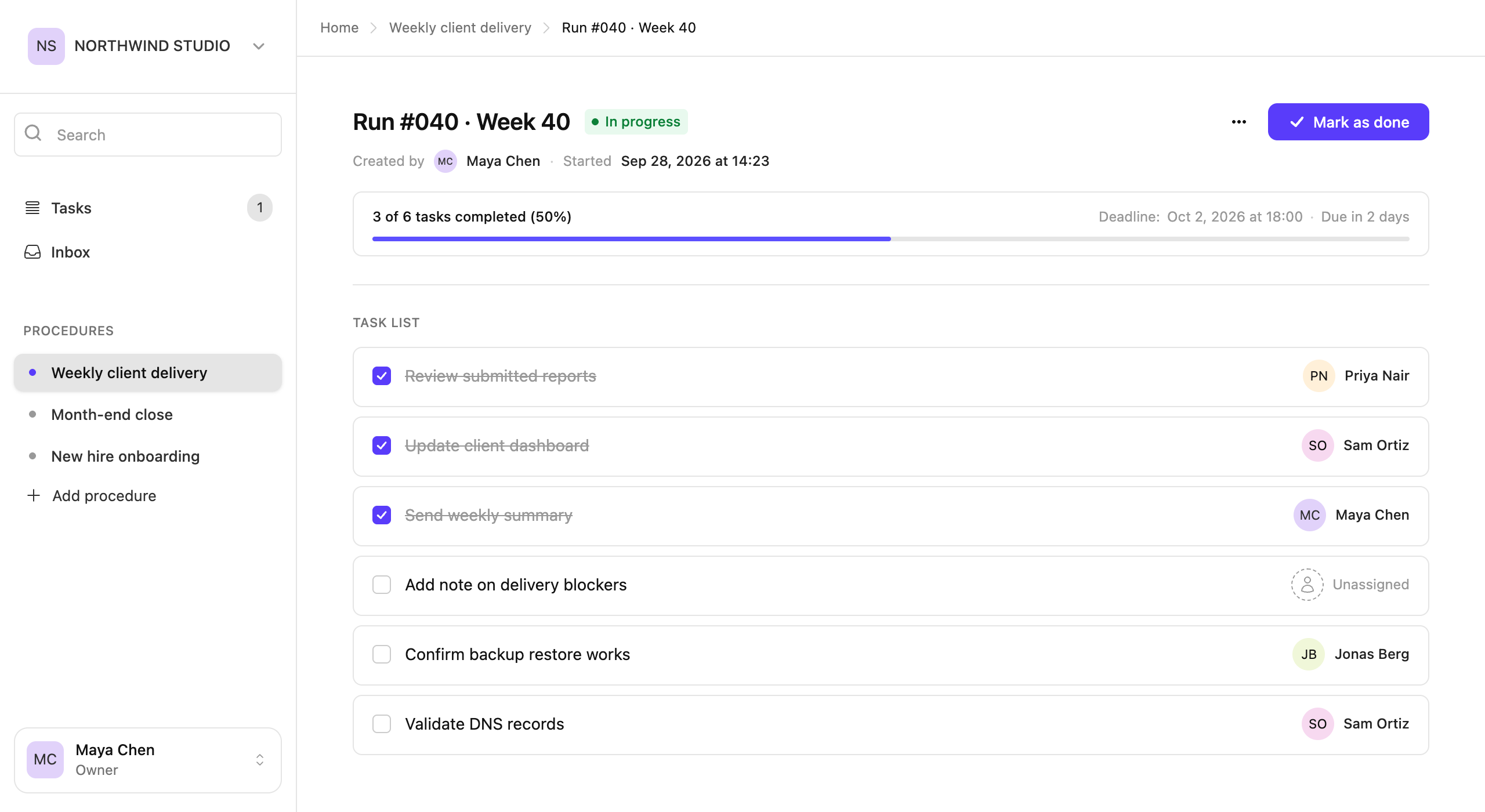
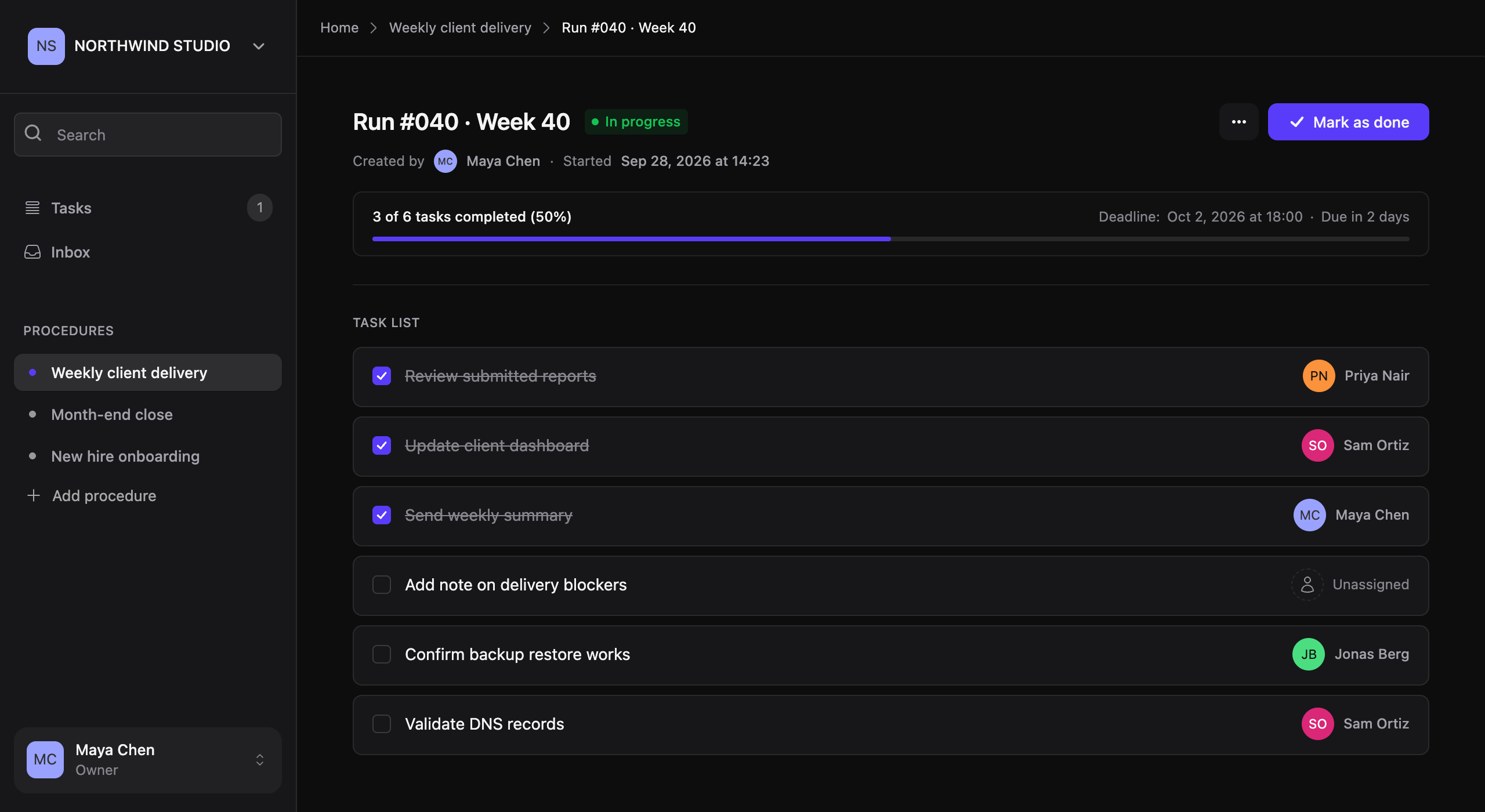
Recurring work depends on one person
It can be a weekly check or a yearly audit. When that person is busy, away or leaves, the work stops.
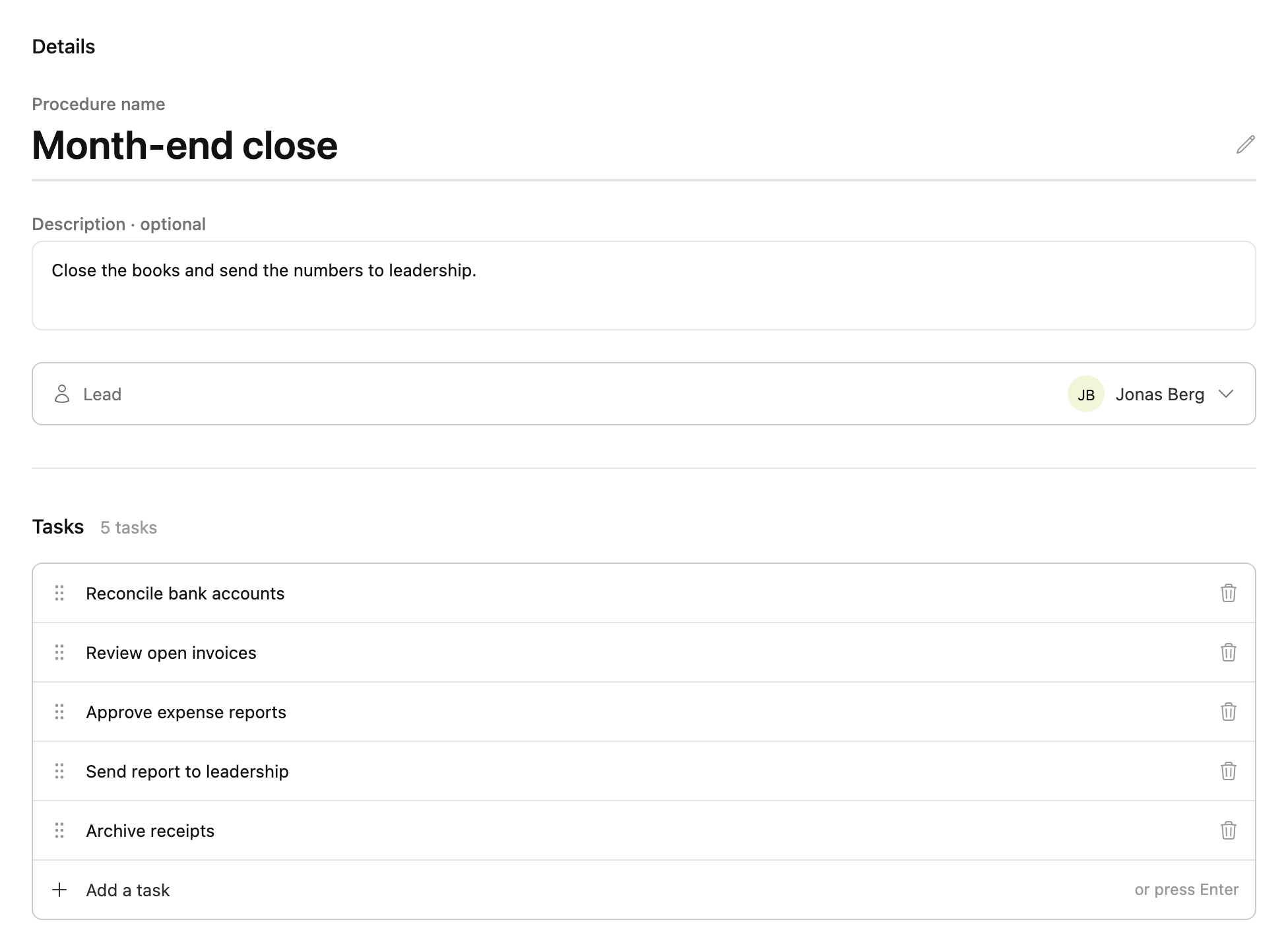
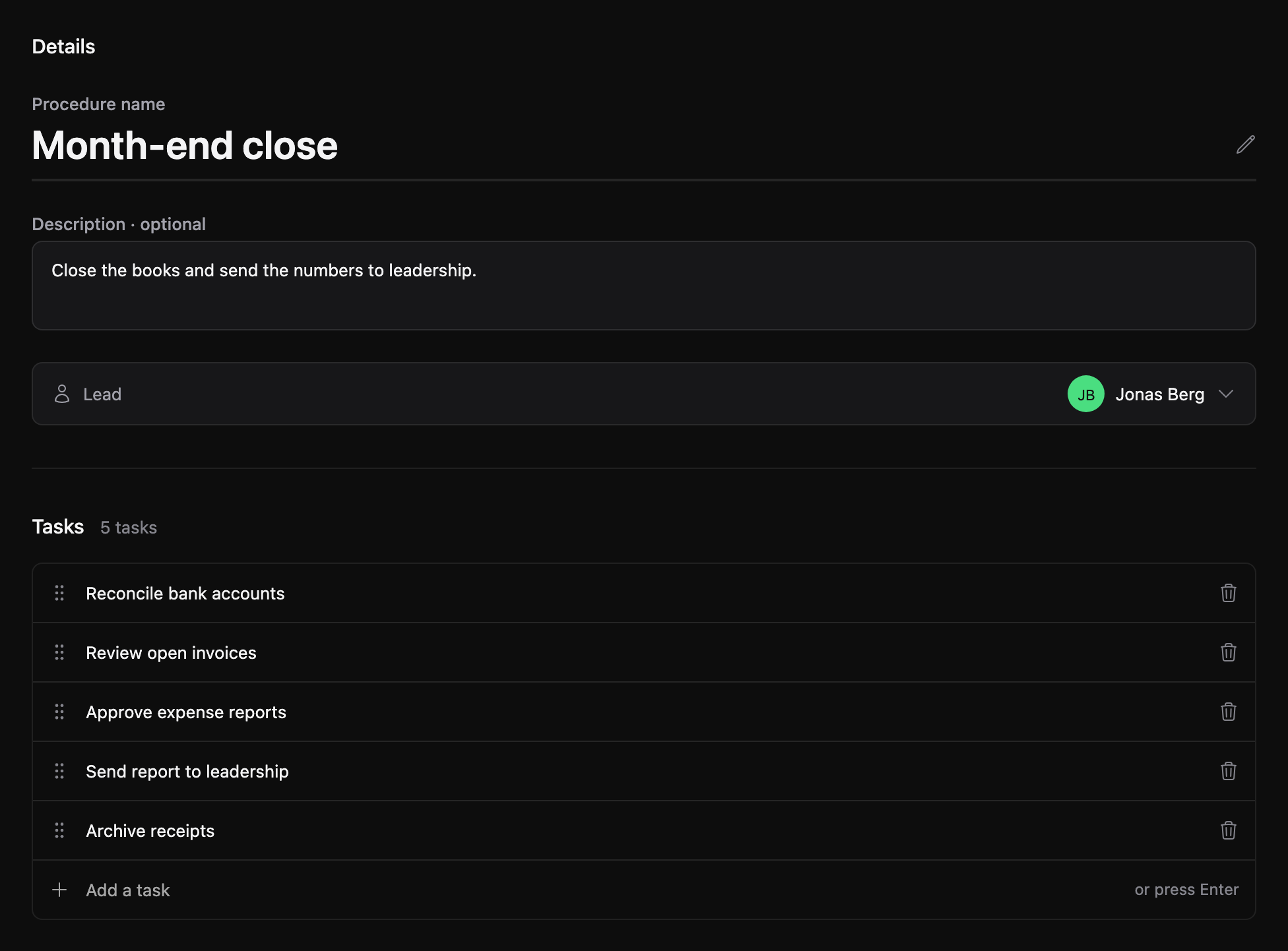
Procedures
Everyone does it a little differently.
Turn each routine into a procedure
Write down the steps. When the way you work changes, update the procedure, and the next run follows it.
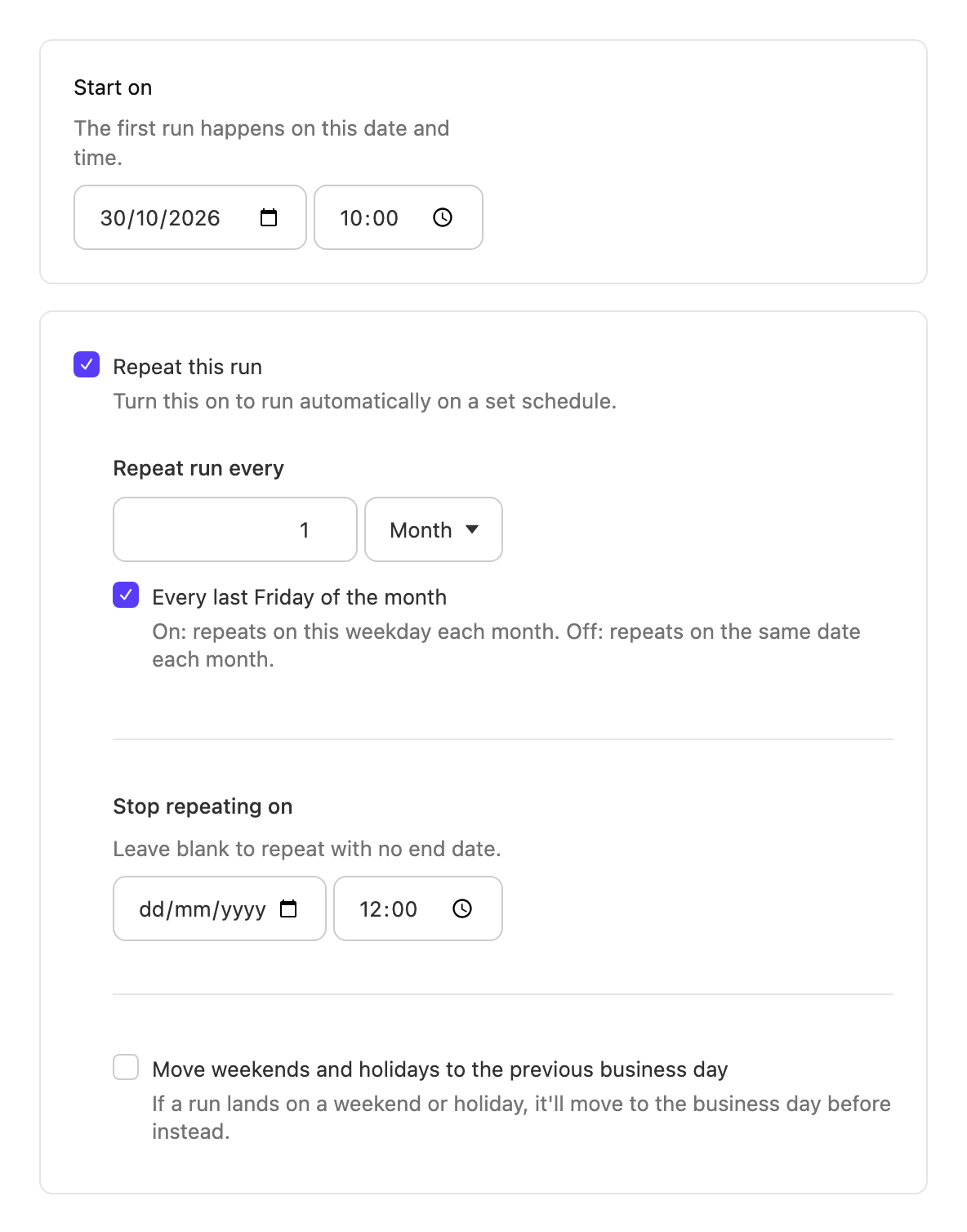
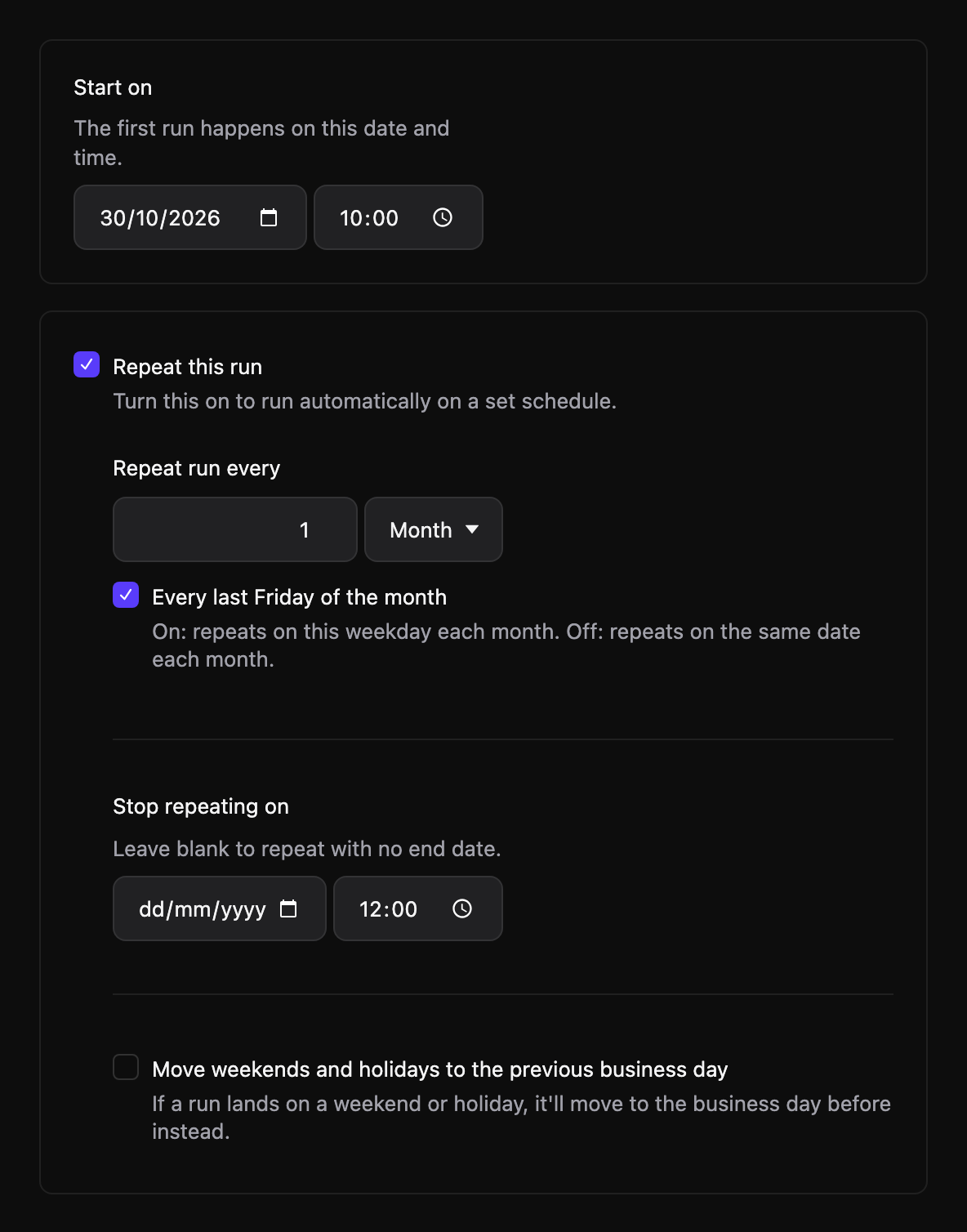
Schedules
Someone has to remember to start it.
Put it on a schedule or start one yourself
Choose how often it repeats, like every Monday or the last Friday of the month. A new run starts on its own.
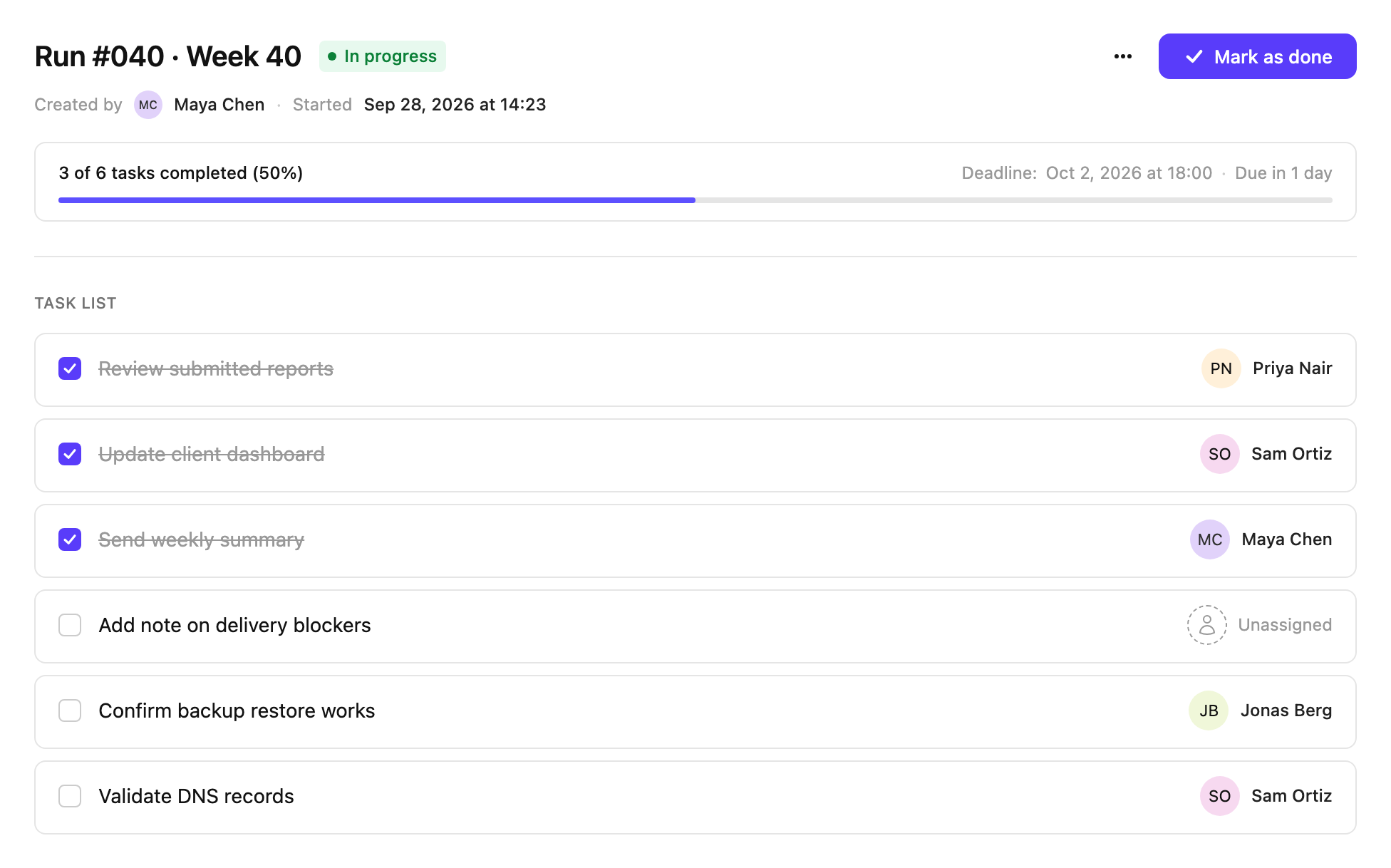
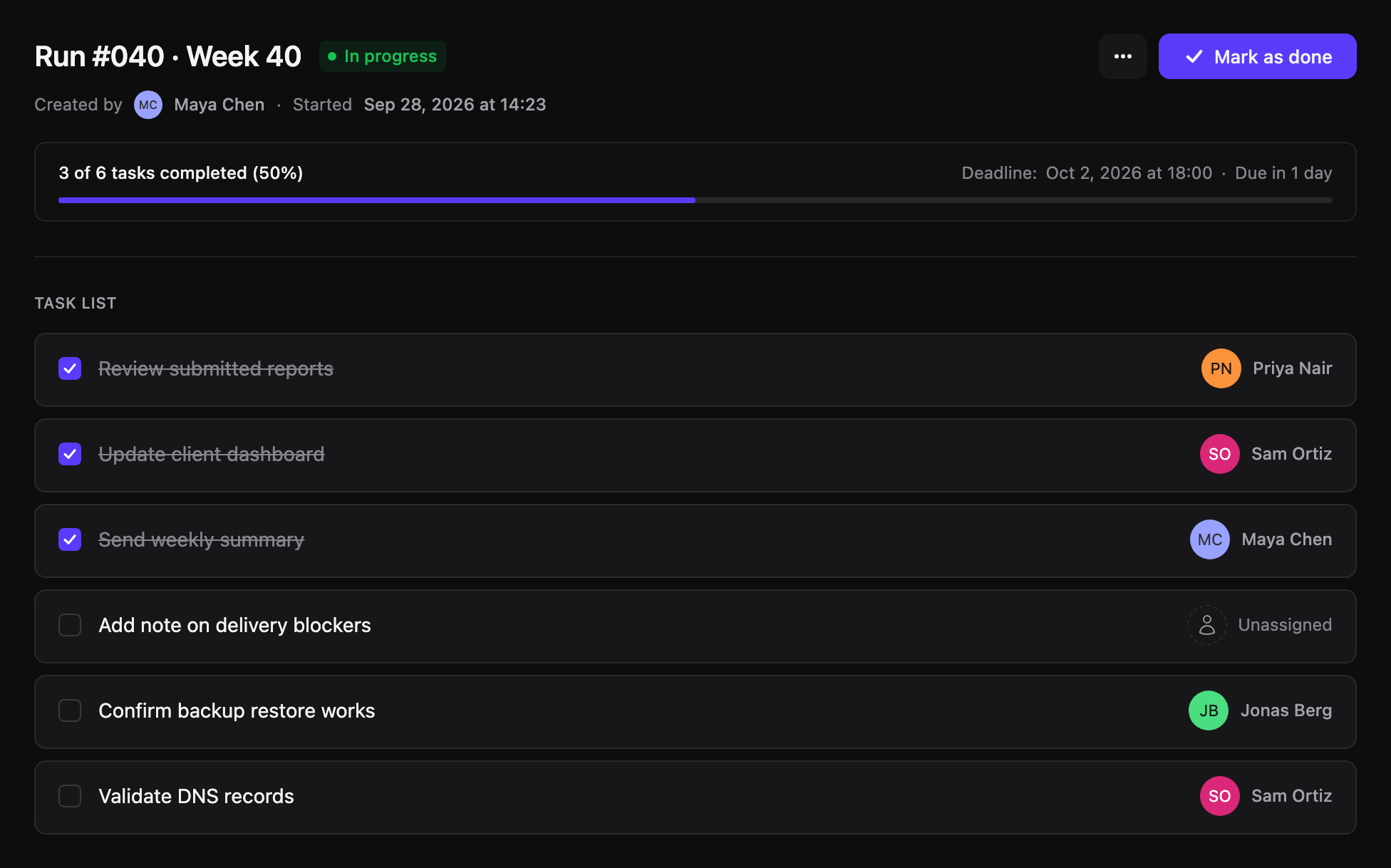
Runs and deadlines
You find out on Friday it's half done.
See what's left before it's due
Every run starts as a fresh copy of the procedure. Set a deadline and give tasks to the people who do them, so you can tell early which ones aren't finished.
Escalation
If it's late, the right people know
Usually nobody notices a missed deadline until someone asks where the numbers are. Choose who is told when a run passes its deadline, and how long after.
- Fri 17:00 The deadline passes Month-end close still has 3 tasks left.
- +1 hour Jonas gets a reminder A heads-up that the run is overdue, with a link to it.
- +1 day Managers find out Without having to chase anyone for an update.
- +1 week Admins step in For the rare case where something is really stuck.
Each reminder can repeat a set number of times. They all stop when the run is done.
How you set up escalation
One default for the team
Pick a default for the whole team, and every routine follows it.
A different setup per procedure
Payroll might need tighter timing than the monthly tidy-up. You can also turn it off.
Only the groups you pick are told
Only the groups you choose hear about it, and only when it's their turn.